- Services
Websites & e-commerce
Sites and stores built to convert - on Shopify, WooCommerce or fully custom code. View all services
Apps & software
Mobile apps, SaaS and business systems, designed and engineered in-house. View all services
Growth & brand
Get found, get remembered, and plan what comes next. View all services
- Our Work
Websites
Marketing and company websites for clients in the UK, Europe, the US and Brazil. View all work
E-commerce
Shopify stores and e-commerce products, from ski boots to wellness supplements. View all work
Apps & platforms
Mobile app design and full software platforms. View all work
- Products
Products
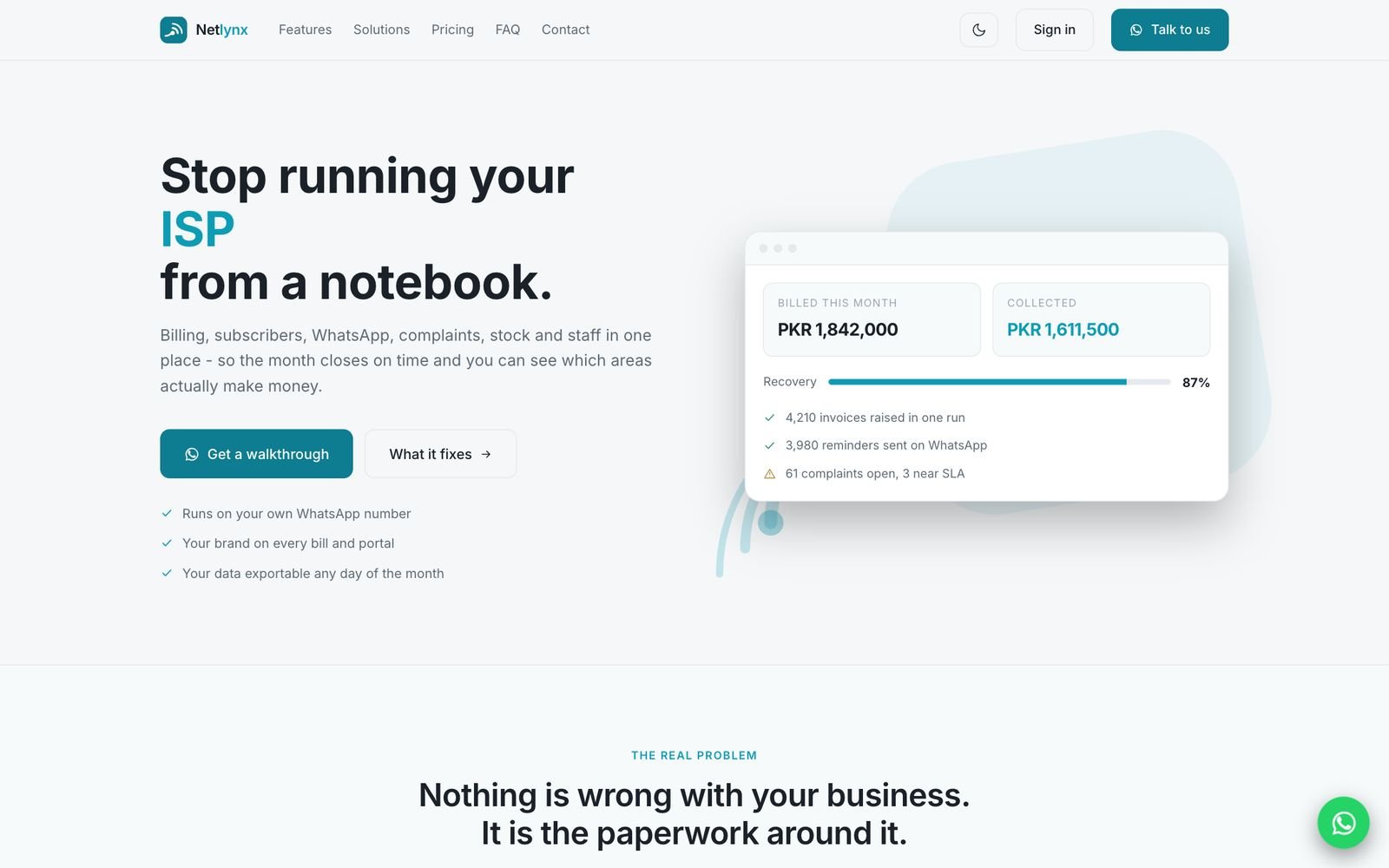
Software we build and run - from Netlynx for internet service providers to our own business tools. See all products
Netlynx
Billing, subscribers, WhatsApp, complaints, network, stock and payroll for ISPs - built and run by Ecomsy. Explore Netlynx
- Company
About Ecomsy
Who we are, how we work and what our clients say. About us
Featured case studies
The challenge, what we built and what changed - told project by project. All case studies
Our partners
Official partner of the platforms your business runs on. Why Ecomsy
Resources
Practical guides, templates and checklists. More resources
From the blog
Longer reads on building websites, stores, apps and software. All articles